- Web development
- Product storytelling
- Support content
Buki Product Website
Let families see the book before the first scan.
Explore the project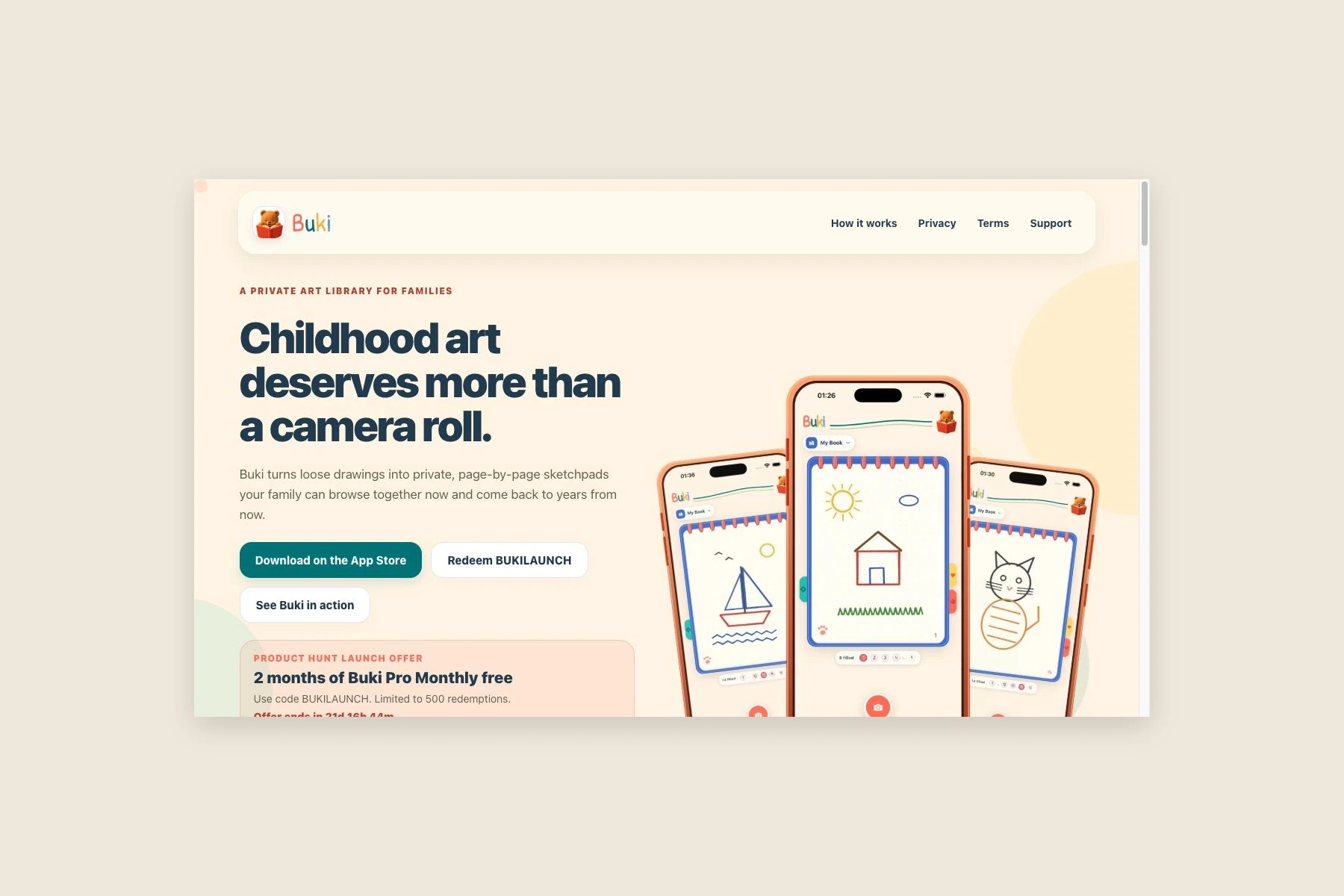
The project
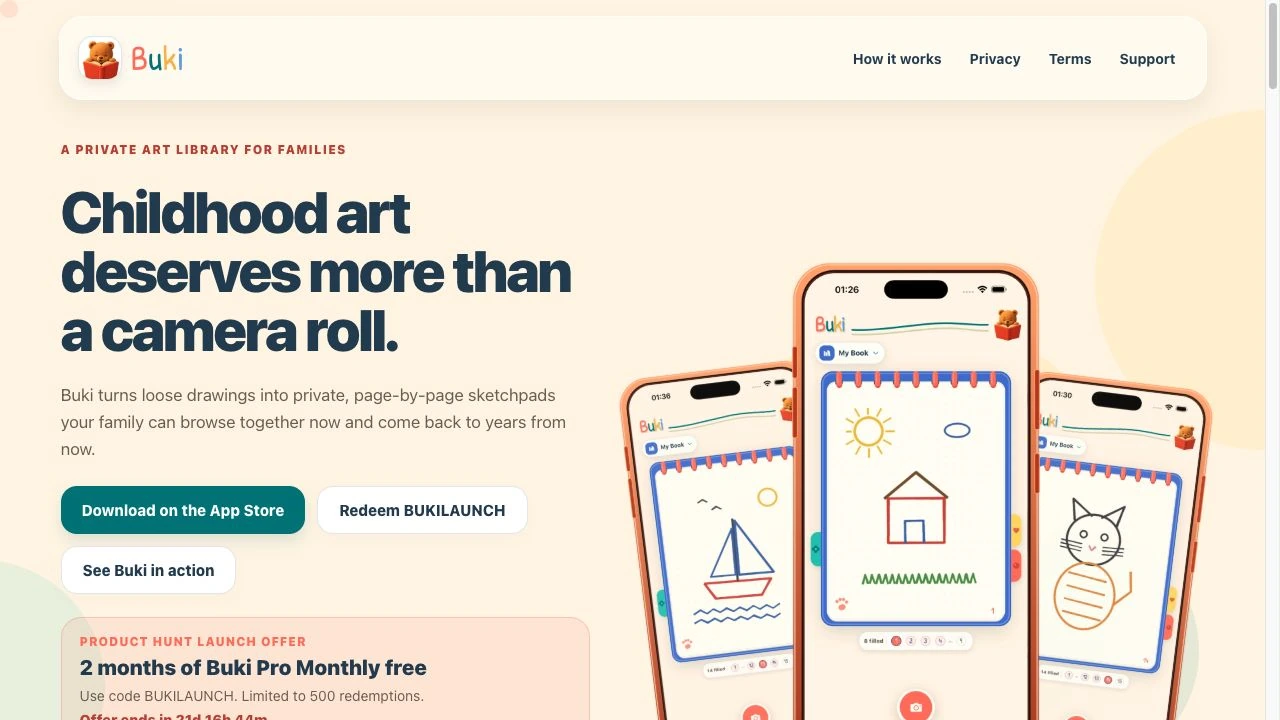
A family app needs an introduction that makes sense before installation. The Buki website explains what the product is for, shows how the finished sketchpads look, and helps parents find the next step.
The website is a separate public experience around the mobile product. Its scope includes the landing page, Free and Pro information, support, privacy, terms, and account-deletion guidance.
Our approach
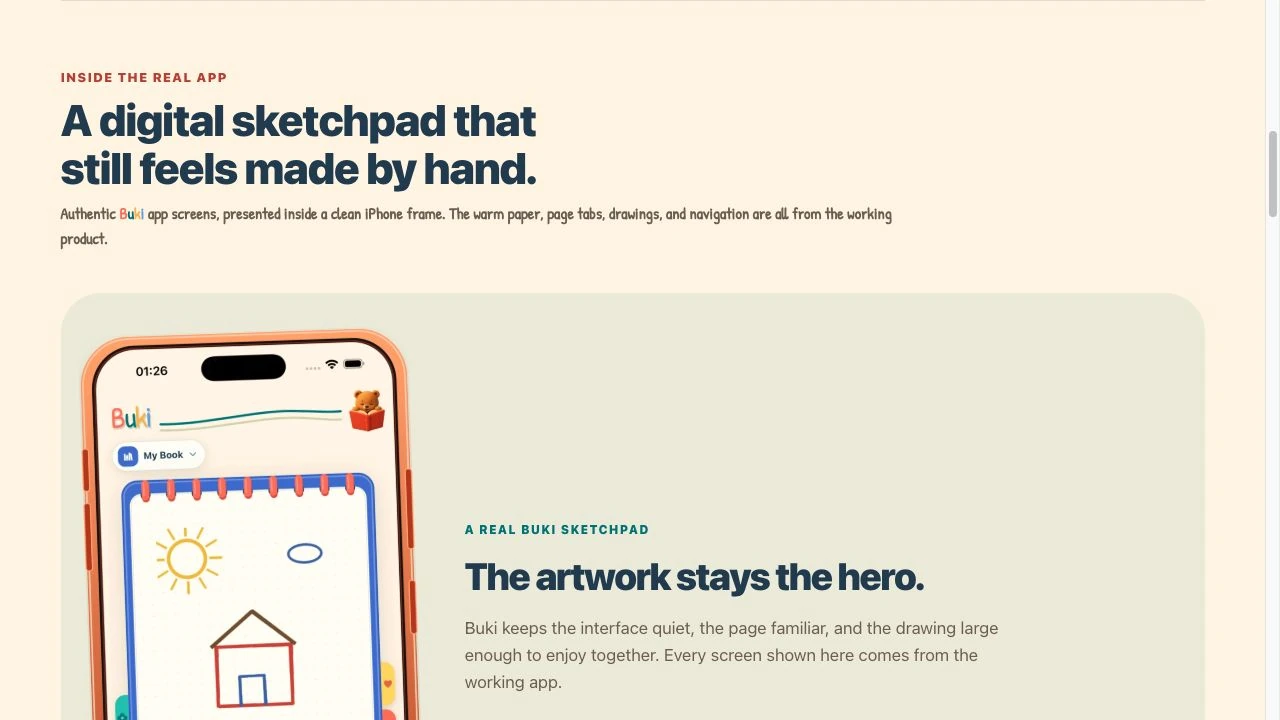
We carried the app’s warm colors and illustrated character into a responsive page built around authentic product screens. Short explanations sit beside the imagery, giving families a way to understand the experience without reading a technical feature list.
Supporting pages use the same visual language while making practical information easier to find. Plan explanations, purchase-restoration help, backup guidance, and privacy choices each have a clear place in the site.
What we built
The result is a connected product and support website, from first introduction to questions that arise after installation.
Product introduction
Present the art-book experience through real app imagery and focused explanations.
Plan information
Explain Free and Pro access alongside the route to the mobile app.
Practical support
Provide guidance on accounts, restoration, backup, and common product questions.
Privacy and account choices
Give policy documents and account-deletion guidance their own accessible pages.
Have a project in mind?
Tell us what you are building. We will help you work out the next step.
Talk to our team