- Native macOS development
- Window placement systems
- Interaction design
ScreenX macOS App
A workspace that fits the way you work.
Explore the project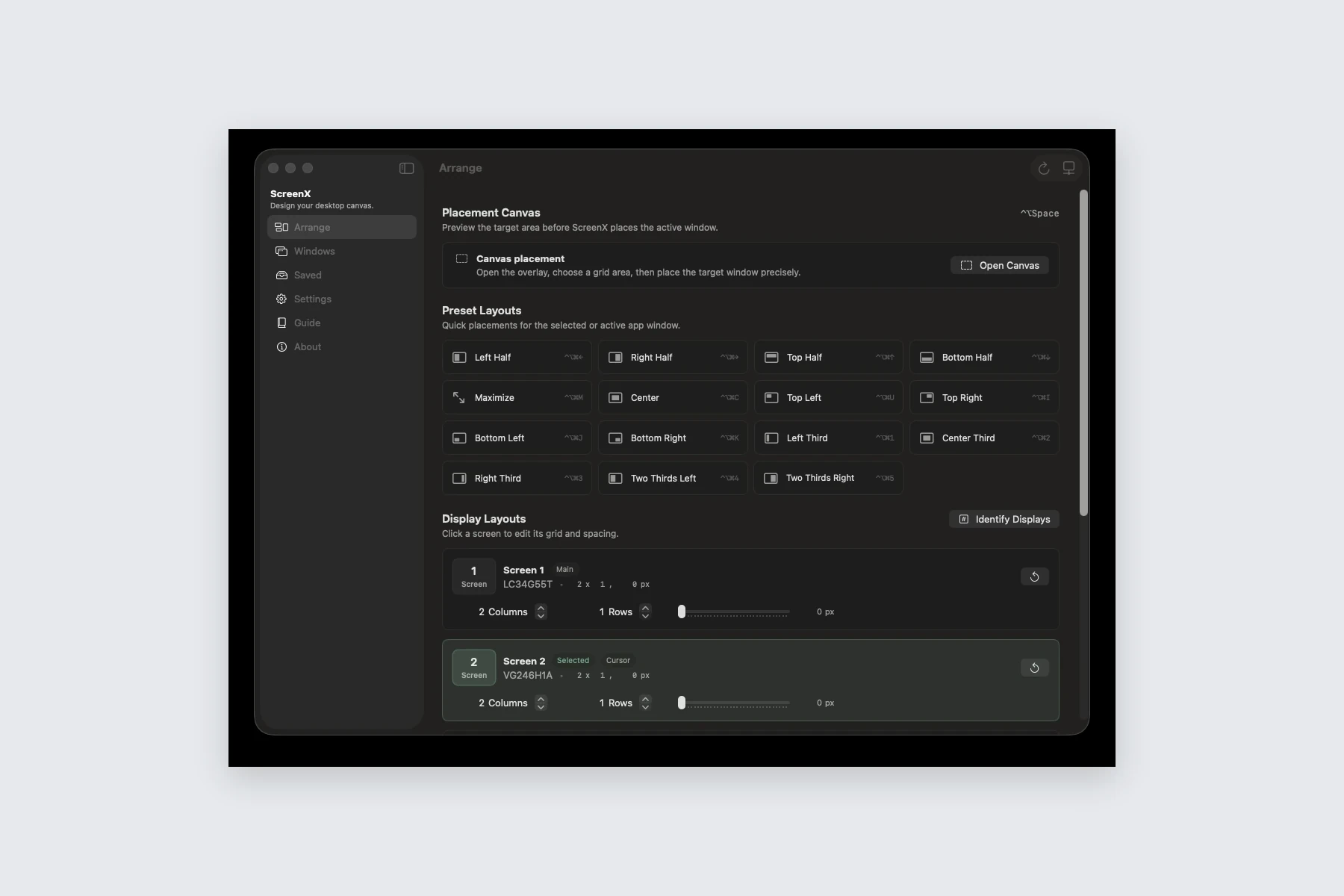
The project
Working across many applications and displays means repeatedly moving and resizing windows. ScreenX makes those arrangements reusable through quick layouts, a placement canvas, keyboard shortcuts, and saved workspaces.
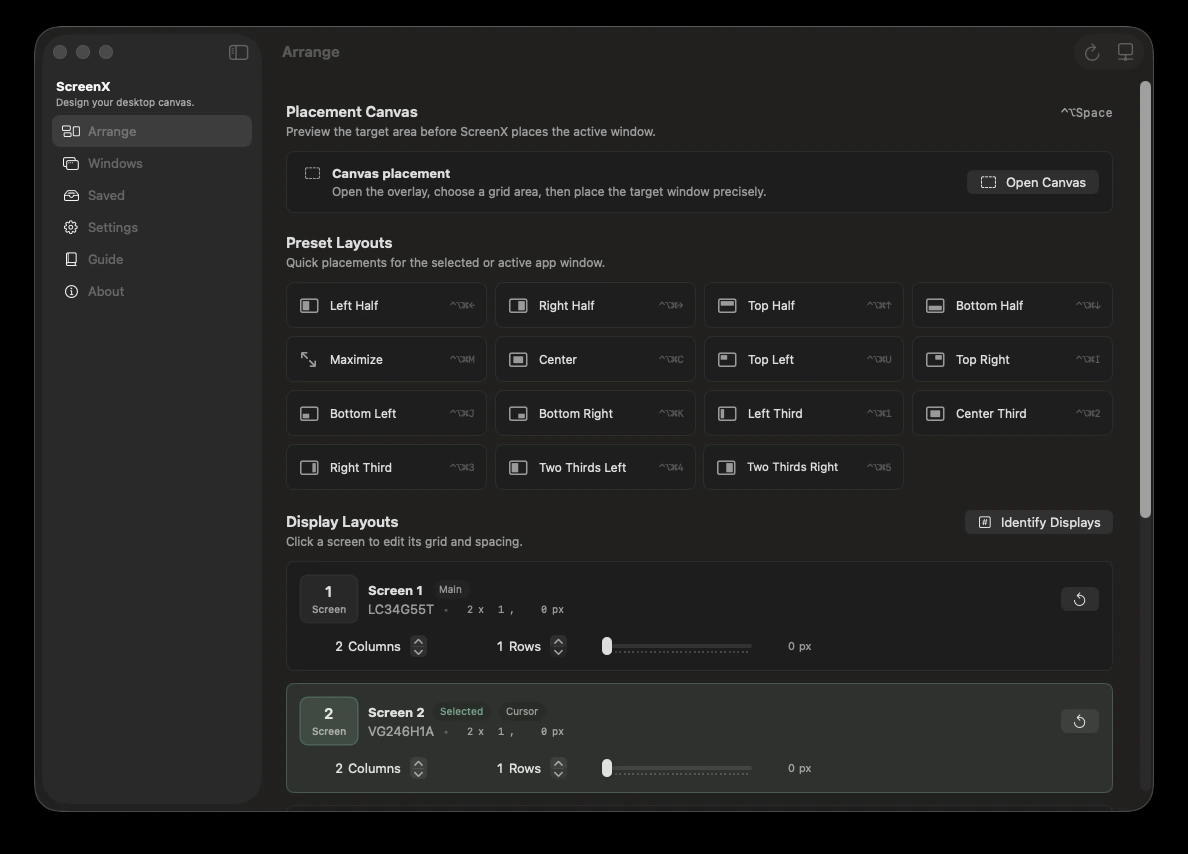
The product supports both familiar splits and custom grids. Each connected display can have its own rows, columns, gaps, and placement profile.
Our approach
We used the macOS Accessibility APIs to read and position application windows, with SwiftUI for the native controls. Geometry and placement logic are separated from interface state so the same layout rules can serve shortcuts, drag previews, and the canvas.
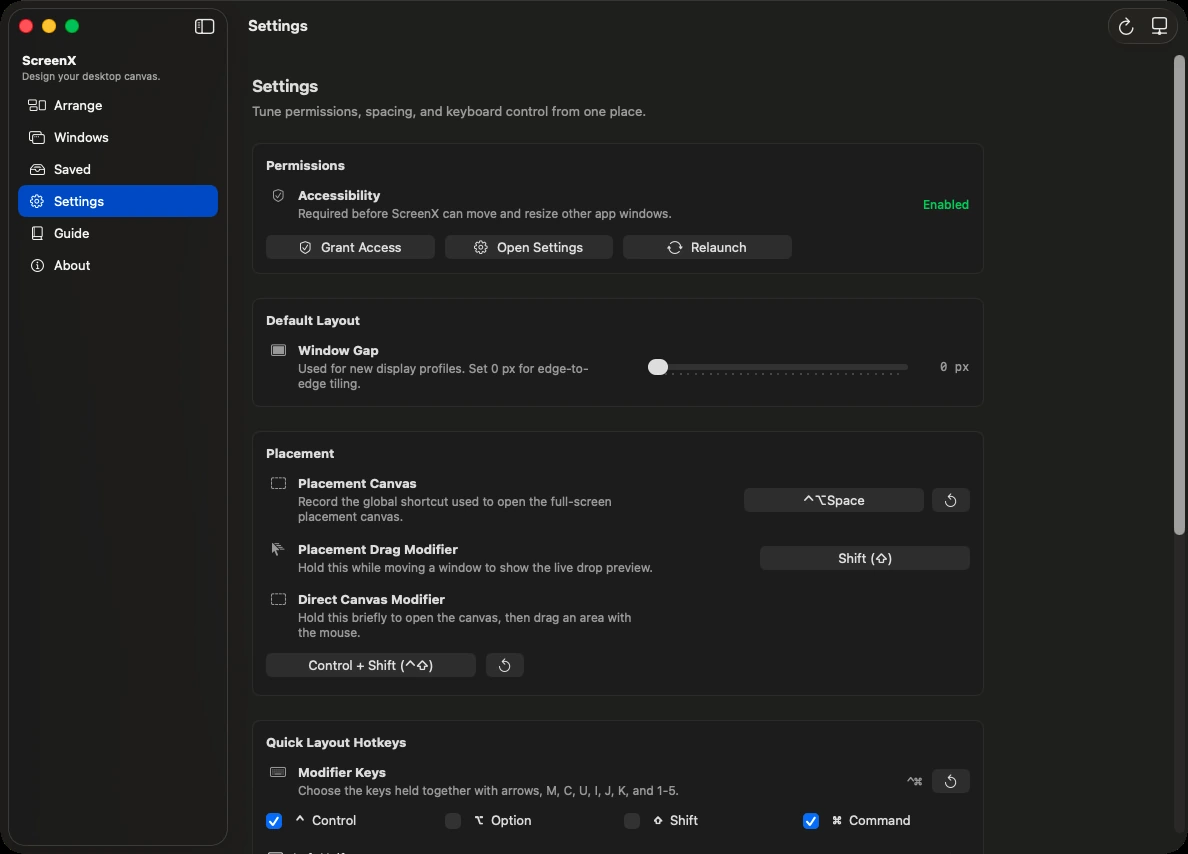
The app gives placement behavior a dedicated home in settings and an in-app guide. Users can adjust modifier keys, gaps, and display-specific layouts while keeping familiar quick arrangements within reach.
What we built
ScreenX brings repeatable window placement into a native desktop workflow.
Visual placement
Preview a window’s position while dragging or choose an area on the placement canvas.
Quick and custom layouts
Use halves, thirds, quarters, centered layouts, or a custom grid.
Per-display profiles
Keep different arrangements and gaps for individual monitors.
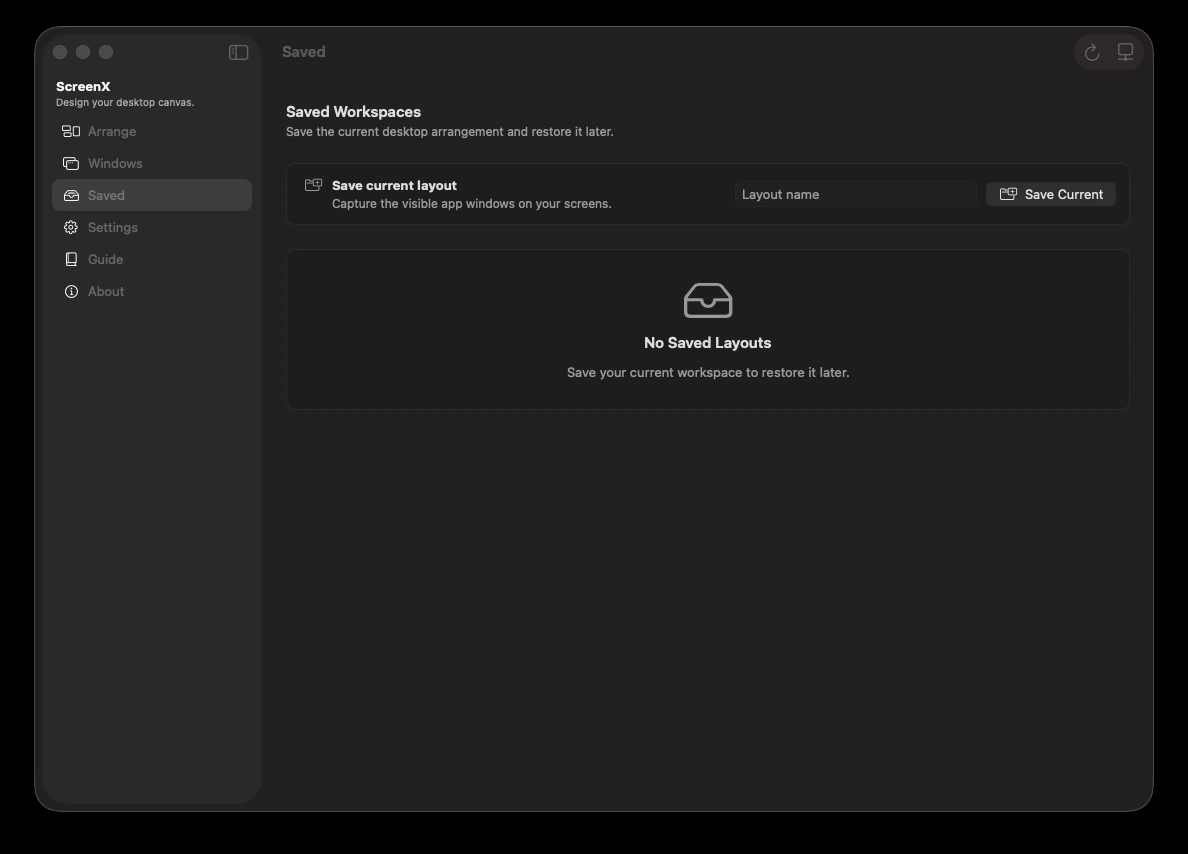
Saved workspaces
Capture and restore window layouts, with configurable keyboard controls.
Have a project in mind?
Tell us what you are building. We will help you work out the next step.
Talk to our team